Case study / Developer Tools
Devascent
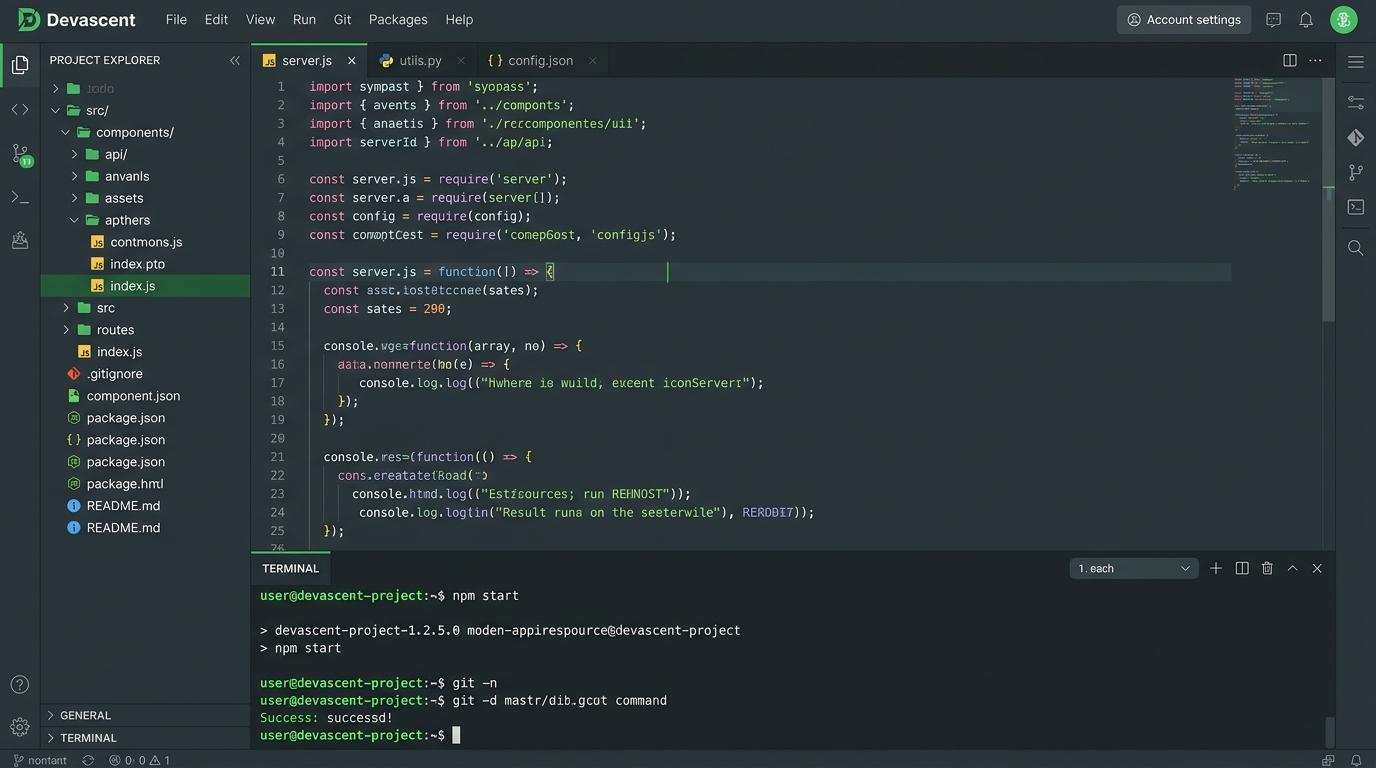
A code-editor concept exploring project navigation, an integrated terminal, and focused development workflows.
Project preview
01 / The brief
Project overview
Devascent explores the concept of a browser-based IDE with integrated project management. Features a custom code editor, terminal emulator, file tree navigation, and Git integration in a unified dark-themed interface.
02 / Capabilities
What it does
Integrated Terminal
Built-in terminal emulator for running commands without leaving the editor context.
Project Navigation
File tree explorer with fuzzy finder for rapid project navigation across large codebases.
Focused Workflow
Distraction-free editor mode with syntax highlighting and Git integration in a unified interface.
03 / Under the hood
Architecture
An Electron desktop application with a React renderer process and TypeScript throughout. The editor core uses a custom text buffer with syntax highlighting, while the terminal is wrapped as a pseudo-terminal child process.
04 / Reasoning
Key technical decisions
- 01
Electron for Desktop Distribution
Selected to provide a native desktop IDE experience with file system access beyond browser sandbox limits.
- 02
Custom Text Buffer
Built from scratch to maintain full control over syntax highlighting, cursor behavior, and undo/redo semantics.
05 / Takeaway
Outcome
A prototype IDE demonstrating how integrated terminal and project navigation can streamline focused development workflows.
Concept study
Have a project like this in mind?
Devascent is a concept study by Abdullah Amar Musa. If you are building something similar — a product, dashboard, or developer tool — let's talk through the approach.